
Convert & Correct Bank Statements Offline Securely.

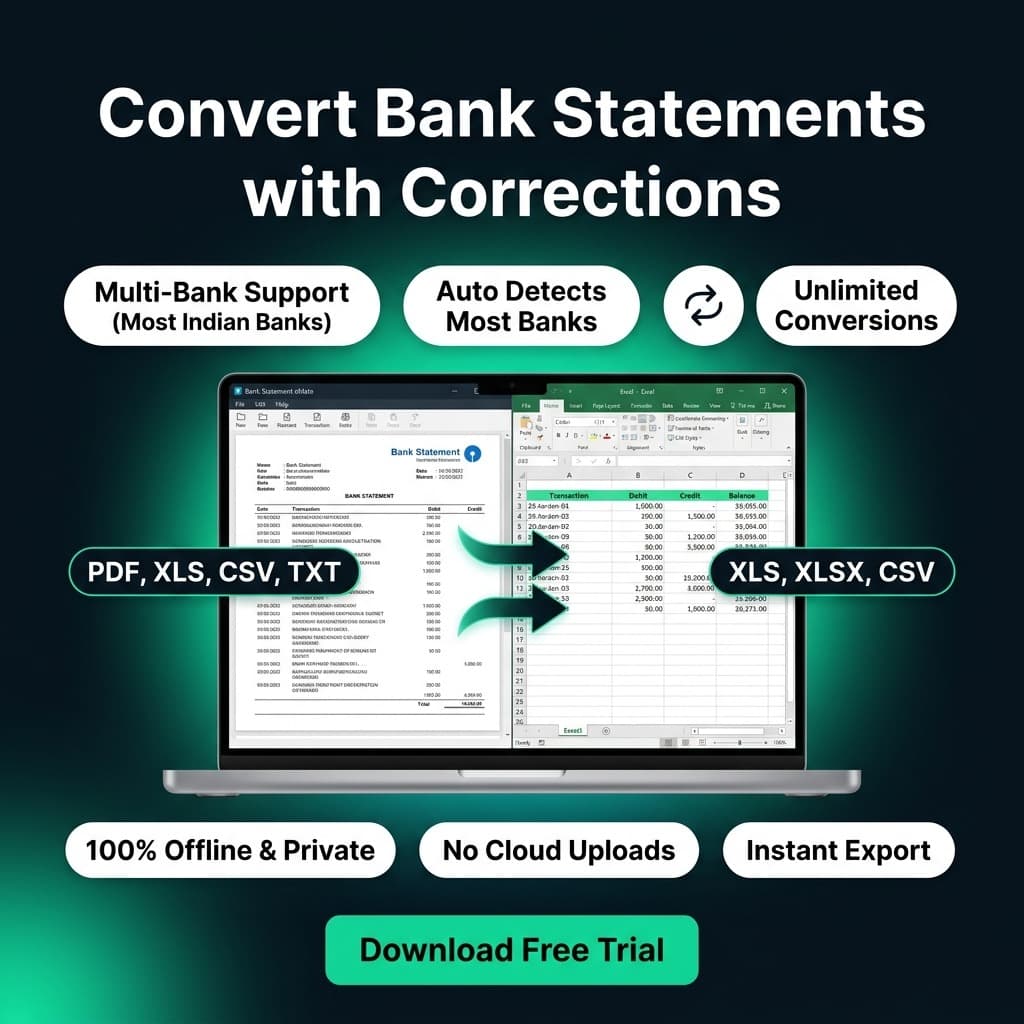
Bank Statement eMate is a fully safe & secure, completely offline desktop application that helps you correct various common errors in the statements (Like: Sorting Issues, Mixed Date Issues, Sequence Issues, Balance Issues etc) & convert your Statements from different formats (Like: PDF, XLS, XLSX, CSV, TXT etc & different variants) from different banks to structured & standardized Excel formats & export them easily without risks of uploading your confidential files online.
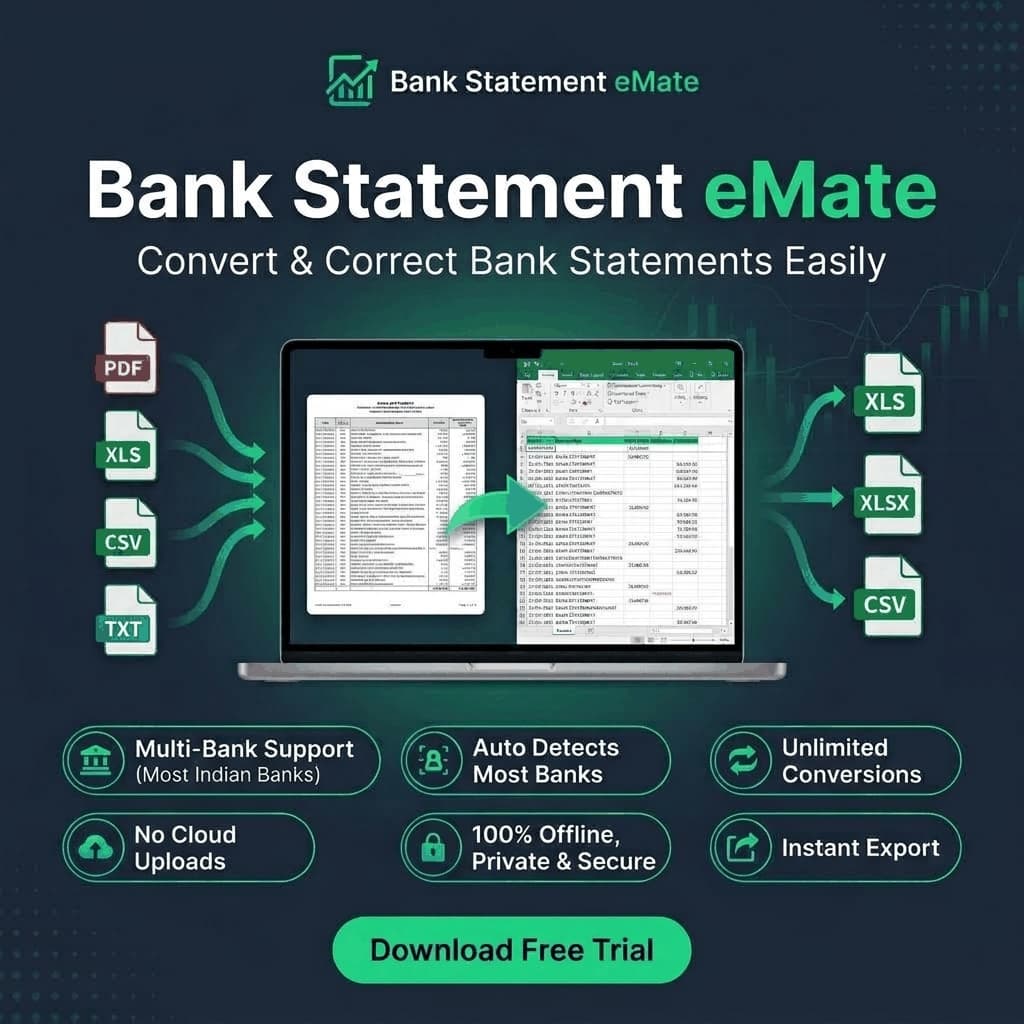
Bank Statement eMate - Convert & Correct Bank Statements Easily
Convert Bank Statements with Corrections - Multi-Bank Support

Product Details (Comprehensive Technical Overview)

Deep-dive into Bank Statement eMate's offline architecture, automated discrepancy engines, export workflows, and broad bank schema compatibility.

01
Core Architecture

Architecture & Motive

Modular Strategy Engine

Bank Statement eMate is an offline software solution engineered specifically for Chartered Accountants, corporate auditors, tax consultants, and financial teams. Instead of manually retyping complex bank statements or risking client privacy on cloud-based web tools, Bank Statement eMate converts statements across multiple bank formats (PDF, XLS, XLSX, CSV, TXT, RPTNFS) into standardized, audit-ready Excel spreadsheets entirely on your local PC.

3D Processing Pipeline Architecture

Step 1
Multi-Bank Files

PDF, XLS, CSV, TXT

Step 2
Strategy Selector

Dynamic Registry

Step 3
Spatial Detection

Coordinate Scanner

Step 4
Audit-Ready Excel

Standardized Ledger

100% Offline Processing

Runs natively on Windows 10 & 11 without uploading files or transmitting bank data. Your financial ledgers remain strictly confidential.

Extensible Strategy Pattern

A centralized registry dynamically identifies bank templates and executes dedicated strategy handlers for branch, netbanking, or mobile app formats.

Auto Detection Feature

Automatically identifies the issuing bank and statement layout the moment a file is loaded, eliminating manual bank selection and instantly applying the exact parsing rules for accurate extraction.

02
Diagnostics & Repair

Auto-Correction Engine

Auto-Discrepancy Repair

Real-world bank statements frequently feature backwards transaction chronology, erratic date formats, and computational inconsistencies. Bank Statement eMate detects and repairs these anomalies during the conversion stage:

✓

Chronological Sequence Sorting

Eliminates upside-down transaction orders generated by bank portals. Accurately re-orders transactions by real timestamp and transaction sequence.

✓

Mixed Date Format Normalization

Resolves mixed notations (e.g. DD/MM/YYYY, MM/DD/YYYY, DD-Mon-YY) within a single file, structuring every transaction into standard Excel date values.

✓

Running Balance Reconciliation

Mathematically recalculates running balances: (Previous Balance + Credit - Debit). Flags any balance mismatch or missing row before export.

✓

Inline Transaction Editor & Audit Log

Review raw vs parsed rows, manually edit fields or descriptions, reorder rows, and inspect an instant change log before saving the final file.

Raw Bank Anomaly
  • • Inverted transaction chronology
  • • Mixed date formats (MM/DD and DD-Mon)
  • • Balance math discrepancies unverified
Auto-Corrected Output
  • • Perfectly sorted by timestamp
  • • Standardized DD/MM/YYYY dates
  • • 100% Reconciled: (Prev + Cr - Dr = Match)
03
Broad Ingestion

Supported Banks & Formats

Multi-Bank Ingestion
Supported Ingestion Formats:.PDF.XLS.XLSX.CSV.TXT.RPTNFS

J&K Bank

Full Suite

All variants supported: Branch statements, NetBanking, MPAY Mobile App, and Email PDFs. Formats: PDF, XLS, XLSX, CSV, TXT, and fixed-width RPTNFS.

HDFC Bank

Supported

Supports NetBanking and Retail PDF statements, XLS files, and standard TXT text exports with header extraction.

AU Small Finance Bank

Supported

Supports PDF Type 1 & Type 2, Mobile App reports, Fincare migrated statements, XLS, and standard CSV.

Axis Bank

Supported

Supports NetBanking and Mobile banking statement PDFs, tabular XLS sheets, and clean CSV outputs.

IDFC First Bank

Supported

Supports corporate & retail PDF statements and standard XLSX spreadsheets with automatic column mapping.

Kotak Mahindra Bank

Supported

Supports Kotak Mahindra PDF statements with multi-page table stitching and running balance alignment.

04
Export Pipelines

Export & Accounting

Ready for most of the Accounting Softwares.

Standardized Export Formats

XLSX
Microsoft Excel (.XLSX & .XLS)

Real numeric numbers, proper currency precision, auto-fit column widths, ready for formulas & pivot tables.

CSV
Clean CSV (.CSV)

Uniform comma-delimited output for relational databases, automated accounting pipelines, or custom scripts.

05
Client Confidentiality

Air-Gapped Security

Zero Cloud Footprint

Strict Client Financial Confidentiality

Unlike cloud-based conversion websites that require uploading statements to remote third-party servers, Bank Statement eMate executes 100% locally on your machine. Client names, bank account numbers, balances, and transaction details never leave your hardware.

No Cloud StorageAir-Gapped CompliantZero Data RetentionLocal Offline Licensing

Launch notes

1

Create Account

Create a customer account to manage license keys and downloads.

2

Download Installer

Download the official desktop installer.

3

Activate Locally

Paste your redemption key into the desktop app to bind the license.

Pricing

Choose the license Plan Type.

7-Day Trial (Single User)

₹ 0/-for 7 Days
  • - Fully Offline & Secure
  • - Correct Common Errors in Statements
  • - Convert Different formats to Excel
  • - Supports Most of the Banks (More Adding)
  • - Account dashboard access

Monthly Plan (Single User)

₹ 299/Month
  • - Unlimited Conversions
  • - Fully Offline & Secure
  • - Correct Common Errors in Statements
  • - Convert Different formats to Excel
  • - Supports Most of the Banks (More Adding)
  • - Account dashboard access
  • - Priority Support
Best Value

Yearly Plan (Single User)

₹ 2999/Year
  • - Unlimited Conversions
  • - Fully Offline & Secure
  • - Correct Common Errors in Statements
  • - Convert Different formats to Excel
  • - Supports Most of the Banks (More Adding)
  • - Account dashboard access
  • - Priority Support
Got Questions?

Bank Statement eMate FAQs

Common questions about statement conversion, data privacy, supported bank formats, and licensing.

Bank Statement eMate is a 100% desktop software that runs natively on your Windows PC. The parsing, conversion, and restructuring happen locally, ensuring your client or company financial records are never transmitted over the internet.